Product Designer
Web App
Claude, Codex, React
1 week
OVERVIEW
The Challenge
This was one of the design challenges that pushed me to think differently. I'm a heavy Claude Code user but this challenge made me re-think how I approach UX problems for efficiency and scalability. This is a simple walkthrough of my design challenge submission. Feel free to read, watch clips or try it yourself.
Some features have been intentionally skipped to focus on primary objectives of the design challenge
NEW ADDITION
A New Projects Pop-up
The updated design builds on a solid foundation and mostly sharpens what was already there. The most useful action on each screen is clearer and finished or lower-priority items step back so the learner's attention naturally lands on what's important.
Projects Pop-up
PART 1
A new AI chat interface
The core shift was replacing free-form typing with a contextual questions pop-up when the system asks clarifying questions. Tapping is faster than typing, especially mid-learning. So, instead of making the user type, the new system gives them structured options to pick from. This reduces hesitation to type long answers and increases speed at which users provide input.
AI Chat Interface
PART 2
I explored a range of options for how the card carousel could move, prioritizing the motion and feel of the interaction concept over UI polish. I hit my Claude limit before I could push it to high-fidelity, which was the tradeoff for the breadth of exploration over a single finished piece.
Exploring a range of carousel interactions
Live-tuning animations to find the sweet spot for timing, easing and other variables
PART 2
I layered in subtle transitions, loading behaviors, and feedback moments that respond to user intent instead of just state changes. Even when working in code and motion.dev, I focused on tweaking timing, easing, and speed to improve perceived responsiveness of the product.
Checking off tasks from the list
Copying a code snippet
Highlighting text from the project
PART 3
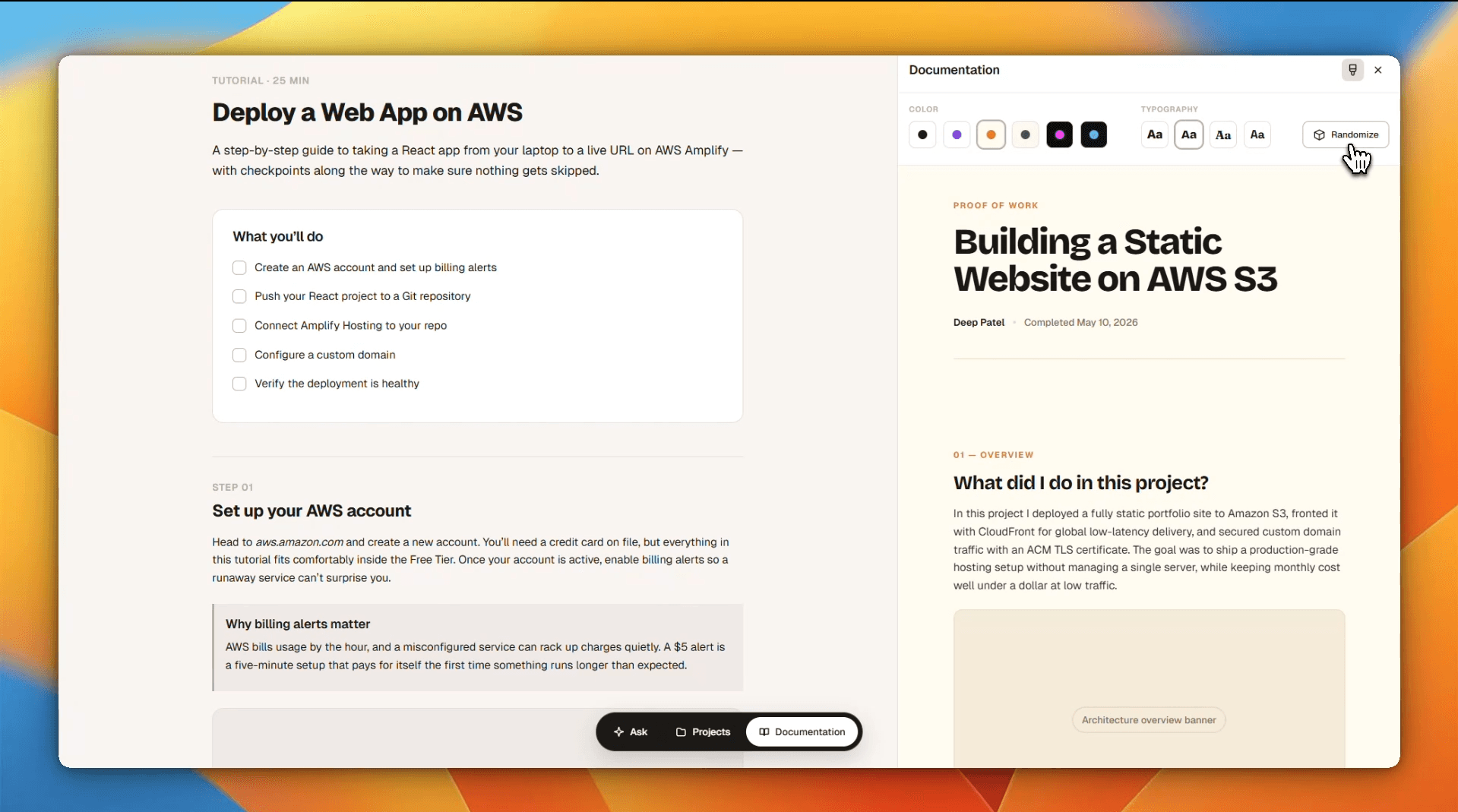
Instead of adding two or three fixed themes, I rethought it as a two variable system, color and typography. Six color styles and four typography styles gives us 24 unique combinations. More personalization, scalability and the learner gets to pick a creative choice of their own.
User customized themes
FUTURE SCOPE
Motion deserved more time. Next time I'd push myself to explore Rive properly and build a small avatar for the chat that feels human. I would also explore exporting a final shareable asset as a shader-based or video-driven composition for social media, making the portfolio themes feel more like living artifacts than static designs.

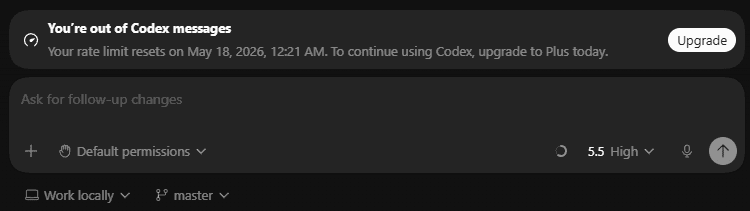
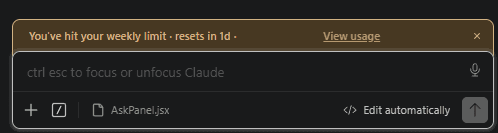
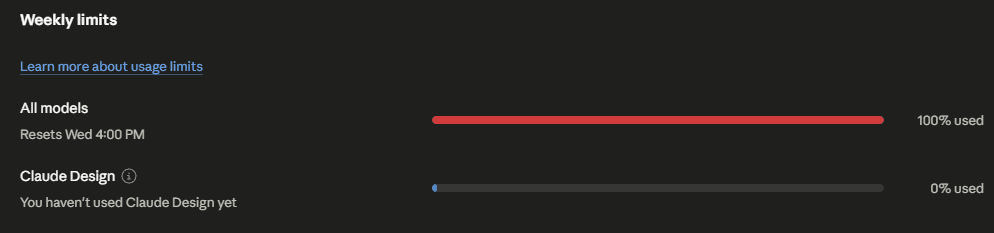
All tool limits were exhausted
BONUS
The small details are where trust is built
I've spent some time working on details that make the interface more polished and smooth.
LLM's reply has a softer animation
Highlighted text opens up Ask/Highlight Pop-up on hover
Improved 'Editable Text' in Documentation
Text selection and 'focused' state follow NextWork's color palette
Press 'Esc' key to close any overlays
Input field auto-focuses on pressing any key for the chat interface
Direction-aware sliding for questions in chat
Some features have been intentionally skipped to focus on primary objectives of the design challenge
I truly enjoyed working through the challenge and tried to do every thing to the best of my ability.